
Impersonation Feature
Access Level Required
In order to access this page, you will need to have one of the following roles:
- Work 365 Administrator
- Work365 Internal User
Impersonation Feature: Switch to Customer View
One of the most powerful features introduced in the portal is Impersonation.
What It Does
- Allows partners to log in with their own credentials.
- Easily switch into a customer’s portal view without logging out or changing accounts.
- Great for providing support, troubleshooting, or demonstrating features.
How to Use It
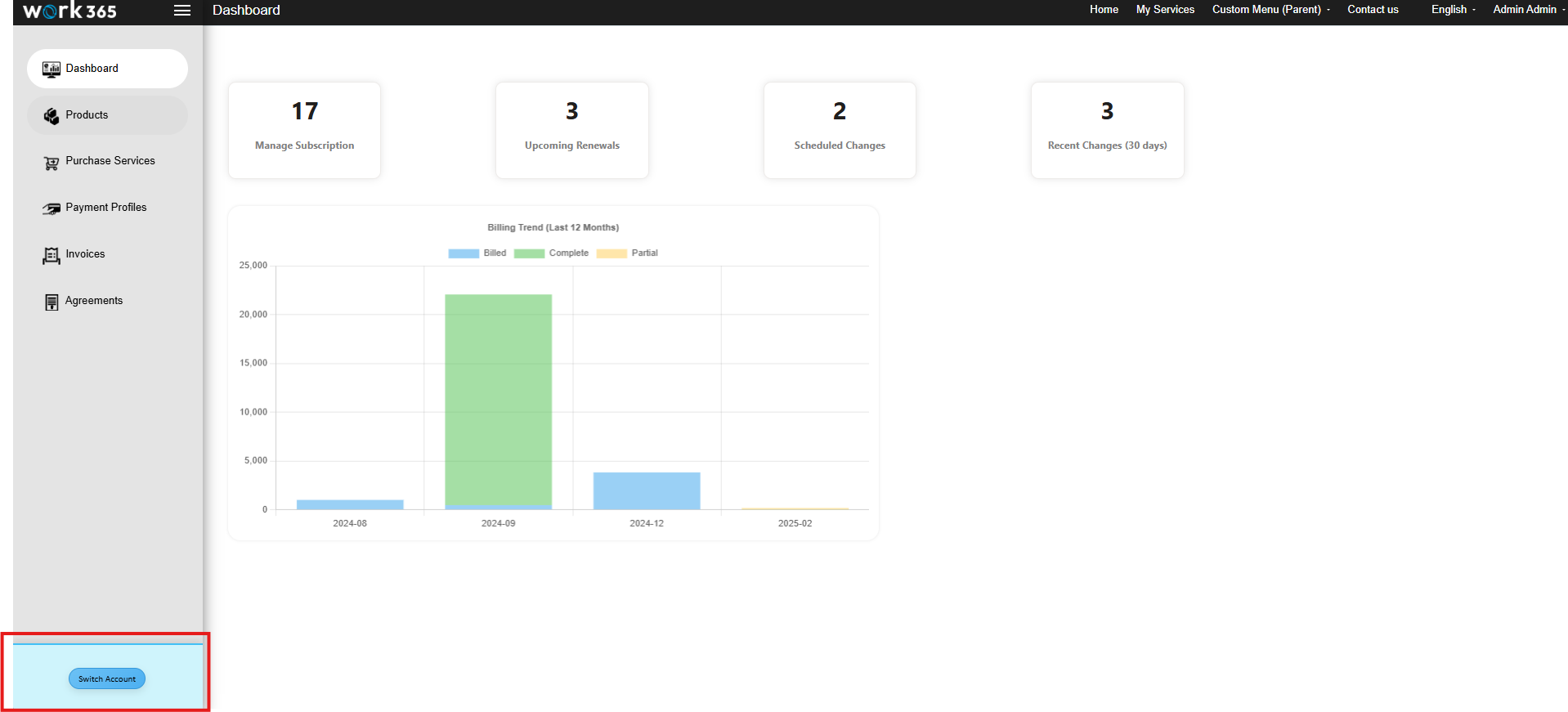
- Click on the "Switch User" option located in the bottom-left corner of the portal.
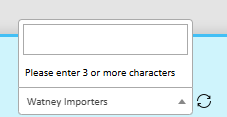
- Enter the customer's name into the search bar.
- Click the confirmation button to the right of the search bar.
The selected customer's portal will load immediately after confirmation, allowing full impersonation access.
Note: Impersonation does not require customer login details and is fully secure. Your actions are logged under your partner identity for transparency.

Updated over 1 year ago
Did this page help you?